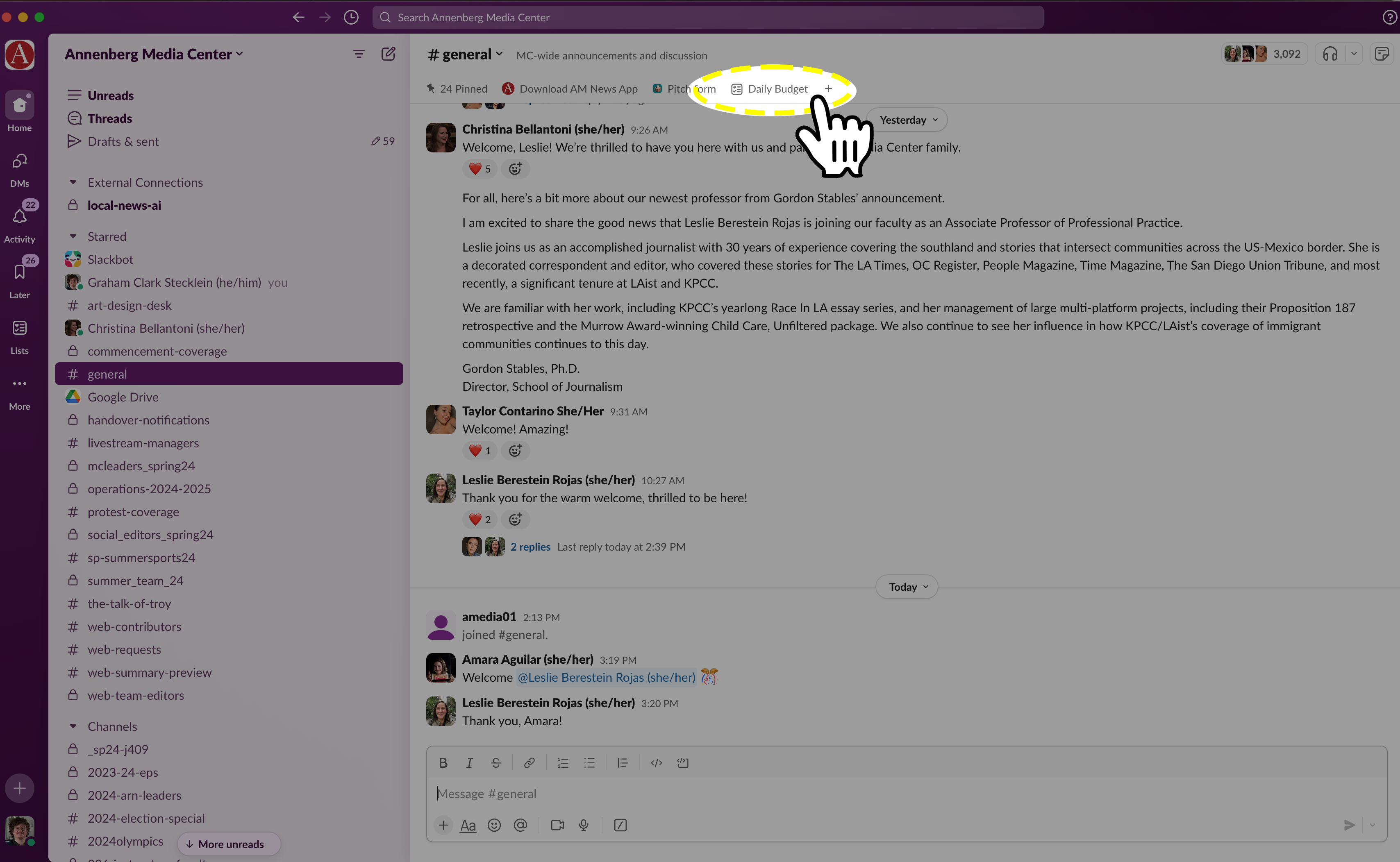
Go to the #general channel on Slack and look for the bookmark labeled “Daily Budget”
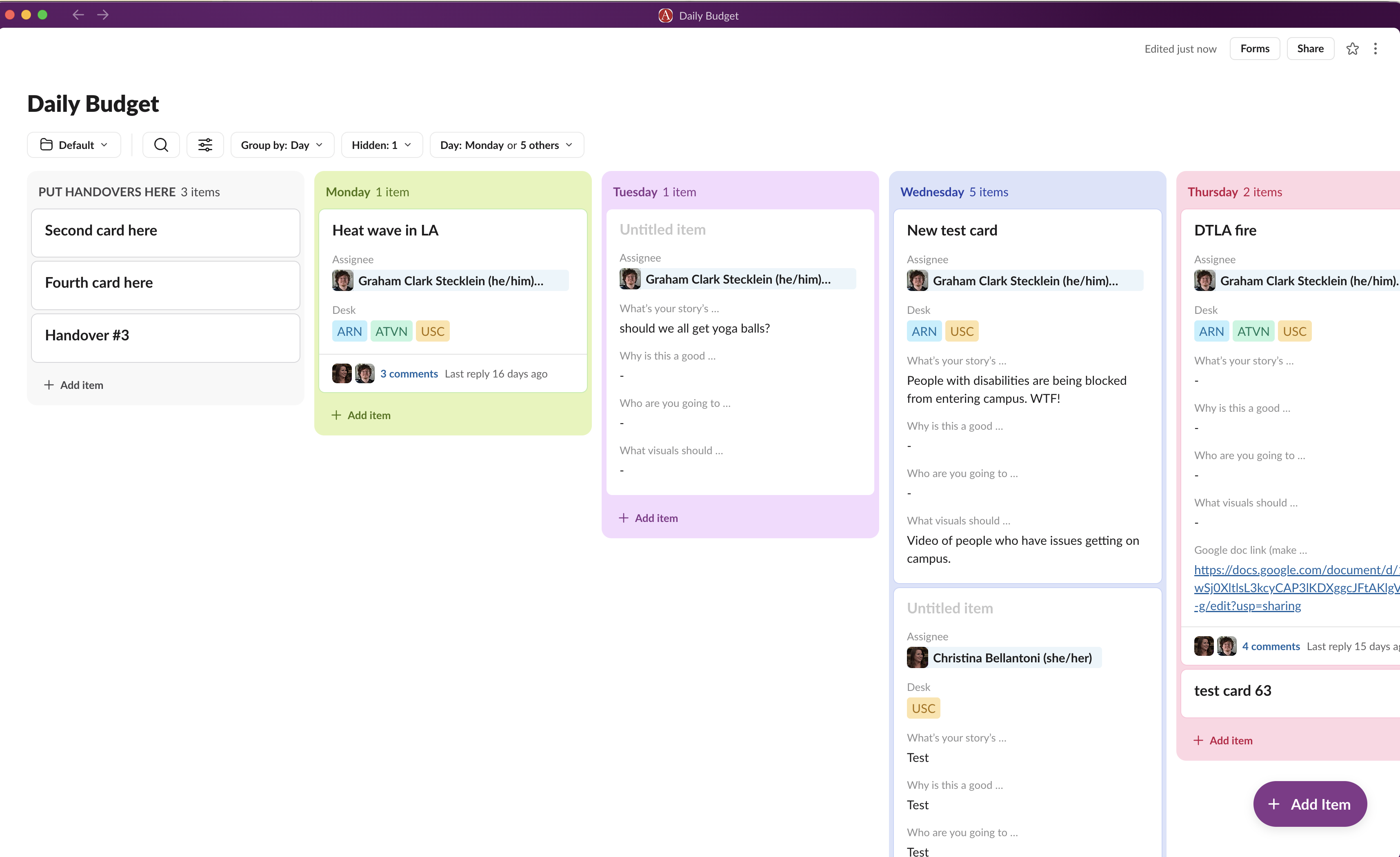
Change the view to Default
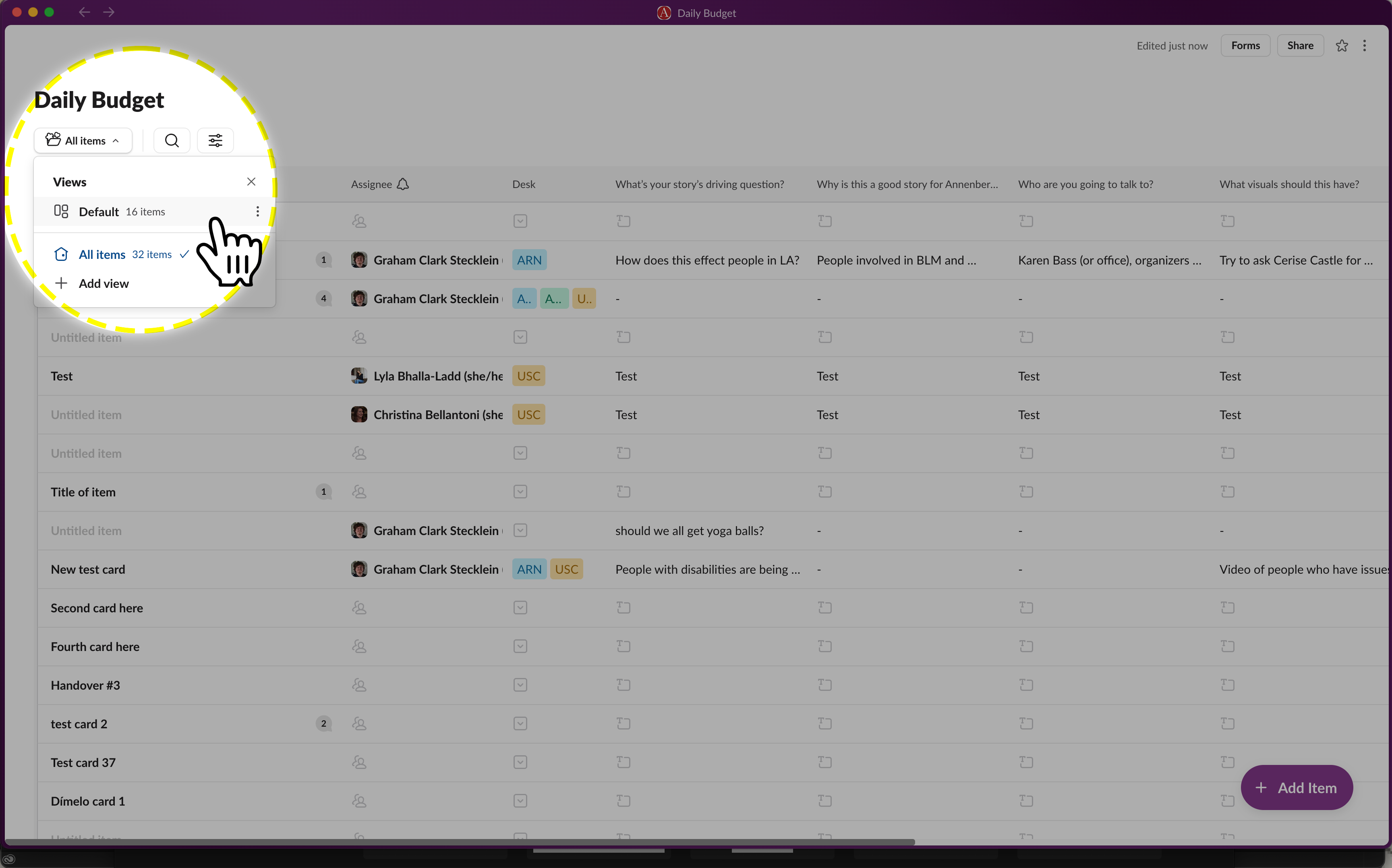
When you first open the Daily Budget list it may show a grid of information. Click on “All Items” in the upper left corner.
And change from the “All items” view to the “Default View.” You should now have the daily budget in the default view, with a column for each day of the week, a handover column, and an archived stories column.
How to pitch a story
S-R Meredith, Media Center Manager
S-R Meredith, Media Center Manager
S-R Meredith began her career in television post-production, editing for major networks and platforms including HGTV, NPR, Vice, Travel Channel, and MasterClass. As a seasoned Supervising Editor, she has a proven track record of leading cross-functional teams to meet tight deadlines while staying on budget.
She holds an MFA in Filmmaking from New York University, where she was an award-winning filmmaker, earning accolades such as the Wasserman Award for Best Directing, the Christopher Columbus Production Award, and the SAG Indie Audience Choice Award. She also holds a BS in Physics from UC Santa Cruz.
Passionate about both management and strategic process, and deeply committed to education and learning, she is excited to bring her expertise to her role as Media Center Manager.
Chris Morales, IT Broadcast Engineer
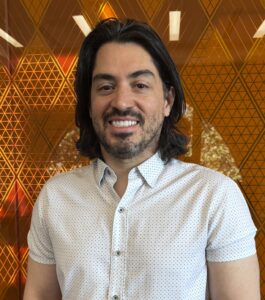
Chris is an IT Broadcast Engineer responsible for managing network infrastructure and systems to ensure seamless broadcast operations. With a strong technical background and a passion for innovation, he plays a key role in maintaining reliable and high-performance environments. Outside of work, Chris enjoys sports, riding his motorcycle, and traveling to explore new places.
Tom Norris, Assistant Media Center Manager
Tom Norris, Assistant Media Center Manager
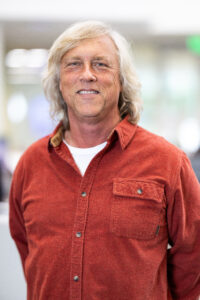
Since 2004, Tom has been a dedicated member of the broadcast television team at USC Annenberg, where he has had the privilege of working with students and sharing his industry expertise. Prior to joining USC, he worked as a video editor at KCOP Channel 13 and FOX 11 News in Los Angeles, honing his skills in newsroom production and post-production editing.
Bobby Prom, Technical News Director
Bobby Prom, Technical News Director
Since December 2018, Bobby has spearheaded the training and supervision of student newscast directors and volunteers, emphasizing the practical application of industry-standard broadcast systems like Ross Overdrive and Carbonite Switchers. In addition to technical training, he teaches students camera shooting techniques, video editing, and other essential skills needed to produce a professional newscast.
Alongside his duties at USC, Bobby concurrently holds positions as a Newscast Director at KNBC and KABC in Los Angeles. These roles involve directing live newscasts, ensuring seamless execution and high-quality output. His extensive experience in broadcast environments includes his previous tenure at NBC 7 San Diego, where he directed live newscasts and sports programs and managed complex production operations.
Bobby earned a Master of Communication Management from USC Annenberg and a Bachelor of Arts in Communications from California State University - San Marcos.
His best friend at the Media Center is Victor Figueroa. They both like the Los Angeles Lakers.
Christopher A. Spacone, Chief Broadcast Engineer
Christopher A. Spacone, Chief Broadcast Engineer
Chris is a seasoned technology manager with extensive experience in broadcast engineering, infrastructure development, and process optimization. With a career spanning over two decades, he has demonstrated expertise in engineering leadership, project management, and strategic planning across major media organizations, including Disney, AT&T/DirecTV, and Fox Networks Group.
As a Broadcast Engineer at the University of Southern California’s Annenberg School of Communications and Journalism, he provides critical engineering support, system maintenance, and technology consulting for media production operations. His role involves overseeing hardware and software upgrades, troubleshooting complex systems, and training staff to ensure seamless broadcasting and media production.
Previously, he held leadership roles at Disney DTCI, where he managed distribution architecture for Fox Networks, and at AT&T/DirecTV, where he led large-scale infrastructure projects. His expertise extends to risk analysis, vendor management, and the implementation of cutting-edge technologies for content distribution and broadcast operations.
His hands-on approach to engineering and technology consulting, combined with his strategic vision, has contributed to cost efficiencies, operational improvements, and the successful execution of high-impact projects. He holds certifications in project management from UCLA and has completed advanced coursework in accounting and business strategy.
Graham Stecklein, Digital Media Producer
Graham Stecklein, Digital Media Producer
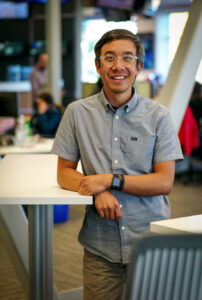
Graham is a media educator and cartoonist from Minnesota. He supports digital media production at USC Annenberg in many ways: working with students on full-stack development, podcasting, publishing on a professional CMS, YouTube thumbnails and almost everything in between. His most meaningful experiences involve helping students connect their work to a global audience and grow genuine leadership skills.
He graduated from New College of Florida in 2011 with a thesis on the wartime documentaries of John Ford and completed a Master of Arts in Digital Journalism from USC in 2015. Before returning to media education Graham spent more than a decade doing consulting, including graphic facilitation and on-site event A/V production. His work includes articles on tribute bands and the Games Done Quick speedrunning community for Anthropology Now Magazine.
For fun Graham enjoys playing music, spending time with his family and attempting to eat his way across Valley Blvd.
Victor Figueroa, Media Production Supervisor
Victor Figueroa, Media Production Supervisor
A quiet goofball millionaire, Victor skydives regularly—except he pays someone to jump out of another plane and catch him in midair. So far, he’s mastered the quiet goofball part.
When not funding his skydiving adventures, he works as a Media Production Supervisor at USC’s Annenberg School for Communication and Journalism, primarily supporting the school's documentary program led by acclaimed documentarian Daniel Birman. A key part of his role involves supervising USC Impact, a student-run documentary news magazine that produces shows airing on Spectrum News.
His media career began as an undergrad at NYU, where he worked a string of unrelated odd jobs—phone surveyor, coat checker, gym employee—before landing his first internship at WOR Radio. From there, he built a career in journalism and media, working with KCRW's Press Play, ABC News Radio, TPN Retail Marketing, SiriusXM, Howard Stern TV, The Paragon Collective, and CBS Weekend News.
Originally from Maryland, about 30 minutes south of Baltimore (a fact that mostly serves as a reference point for fans of The Wire), he spends his free time playing the best sport around: ultimate frisbee.
His office is tucked away in the Impact space on the 2nd floor of the Media Center, next to the edit bays. He’s generally available for student support via walk-in—except on Tuesdays, when documentary courses keep him busy.
Sebastian Grubaugh, Media Production Supervisor
Sebastian Grubaugh, Media Production Supervisor
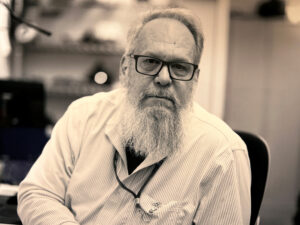
Sebastian specializes in audio production, sound engineering, and podcasting. He is dedicated to supporting students in capturing, crafting, refining, and disseminating engaging stories through the medium of audio. This includes lessons on perfecting recording techniques in both the studio and the field, cleaning and tweaking audio, and editing it into compelling stories ready for air.
After starting in architecture, he transitioned into audio production and engineered programming for USC, KCRW, and KPCC. During the inception and creation of the Media Center, he leveraged his background in architecture to assist with studio design, layout, and workflow.
He prides himself on possessing a vast knowledge of industry-standard programs, ranging from audio and video editing to animation, 3D and CAD, and is passionate about using this expertise to find creative solutions that solve problems in all aspects of audio and visual production and storytelling.
Sebastian has a lifelong distaste for the phrases “I don’t know” and “It can’t be done” and relishes the adventure of learning. If he doesn’t initially know how to achieve a certain result, he views it as a personal challenge—researching, learning, and finding a way to achieve a solution that will impress.